Ingesting page types
Once the JSON definion of templates, layouts, and modules is ready for each page type, you must ingest it into FORGE.
Step-by-step
Ingesting page types into FORGE is a three-step journey:
- Develop and deploy API endpoints — let's call them Page Type Endpoints — to publish page type JSON definitions
- Connect FORGE to the Page Type Endpoints
- Trigger the ingestion in a FORGE admin page
- For each ingested page type, double-check that templates, layouts, and modules are available in the Page Builder
Step 1: Page Type Endpoints
Implement the page type endpoints based on the following specifications:
Endpoints base URLs are specific per page type. For example, to ingest PageType1 and PageType2, you must have two base endpoints:
- https://pagetype1-mydomain/: Base URLs to ingest templates, layouts, and modules of PageType1.
- https://pagetype2-mydomain/: Base URLs to ingest templates, layouts, and modules of PageType2.
All endpoints:
- Should adopt the shared secret authentication.
- Must run in a REST contexts API Service that your Page Builder instance can reach.
Step 2: FORGE Connection
When your Page Type Endpoints are up and running, for each page type, communicate to the Deltatre DevOps:
- Name: Page type name
- Base URL: Page type endpoints base URL
- SharedSecret: Page type endpoints authentication secret
- Timeout
- EchoTimeout
- Origin URLs of the websites using the page type
- Cultures (e.g., en-us, en-uk, fr-fr, etc) of the websites using the page type
- Environments (e.g., Dev, Staging, Production, etc) of the websites using the page type
- Platforms (e.g., web, Android, etc) of the websites using the page type
Finally, among all page types:
- The name of the default page type. It works as a fallback.
Step 3: Ingestion
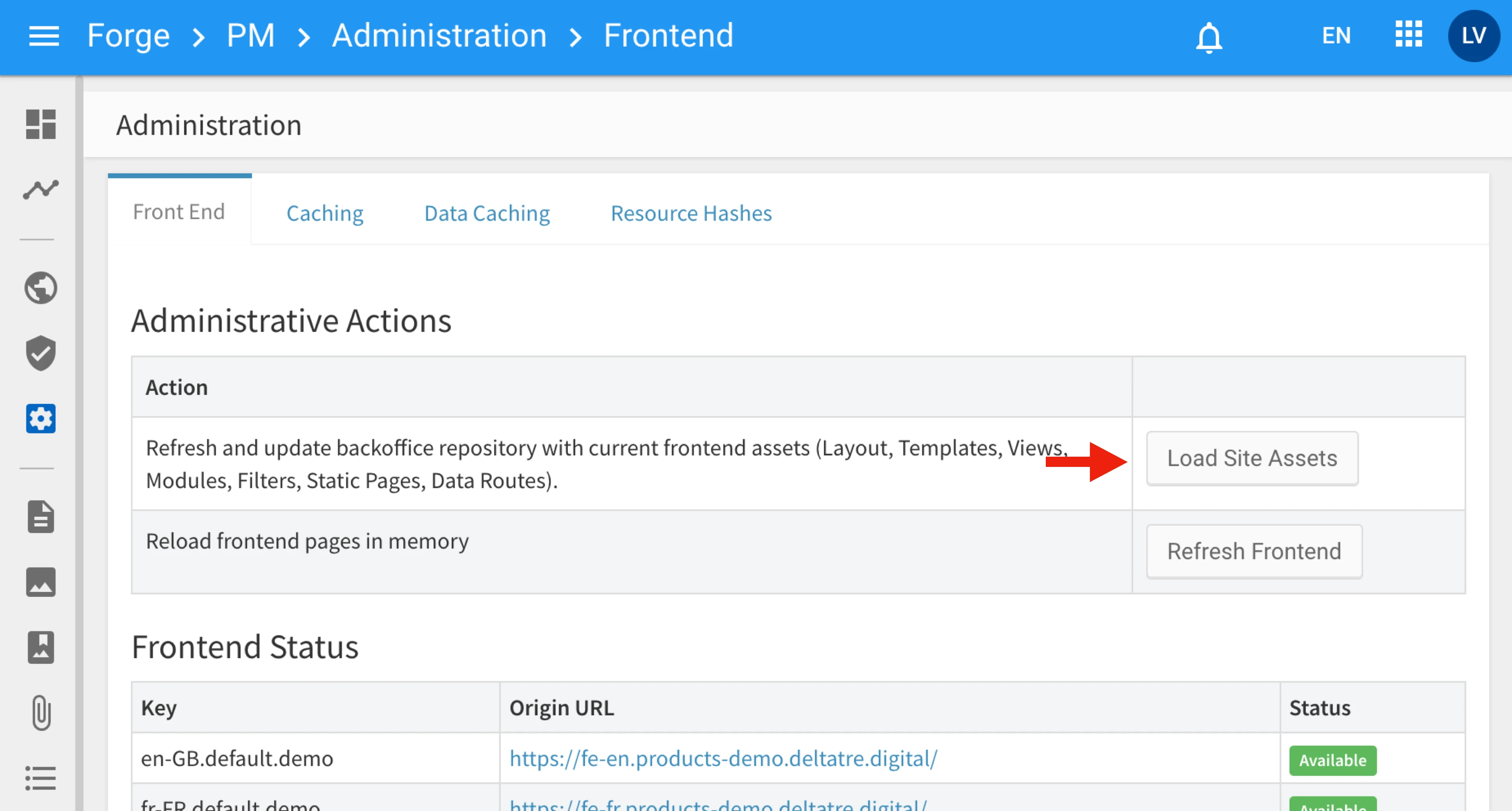
- In FORGE Back Office, go to:
Visual Site Manager → Administration → Front End → Administrative Actions - Click Load Site Assets. This triggers the Page Builder to call the Page Type API
Step 4: Ingestion test
Once ingested:
- Open the Page Builder.
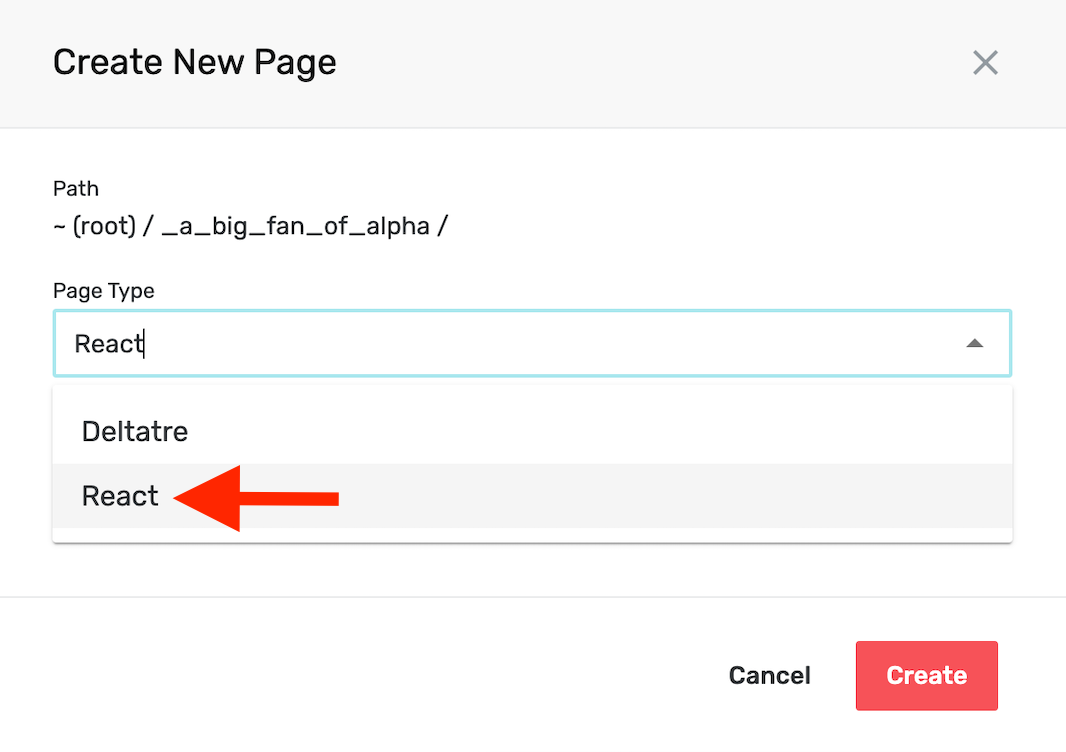
- Create a new page selecting the ingested context (Page Type field):
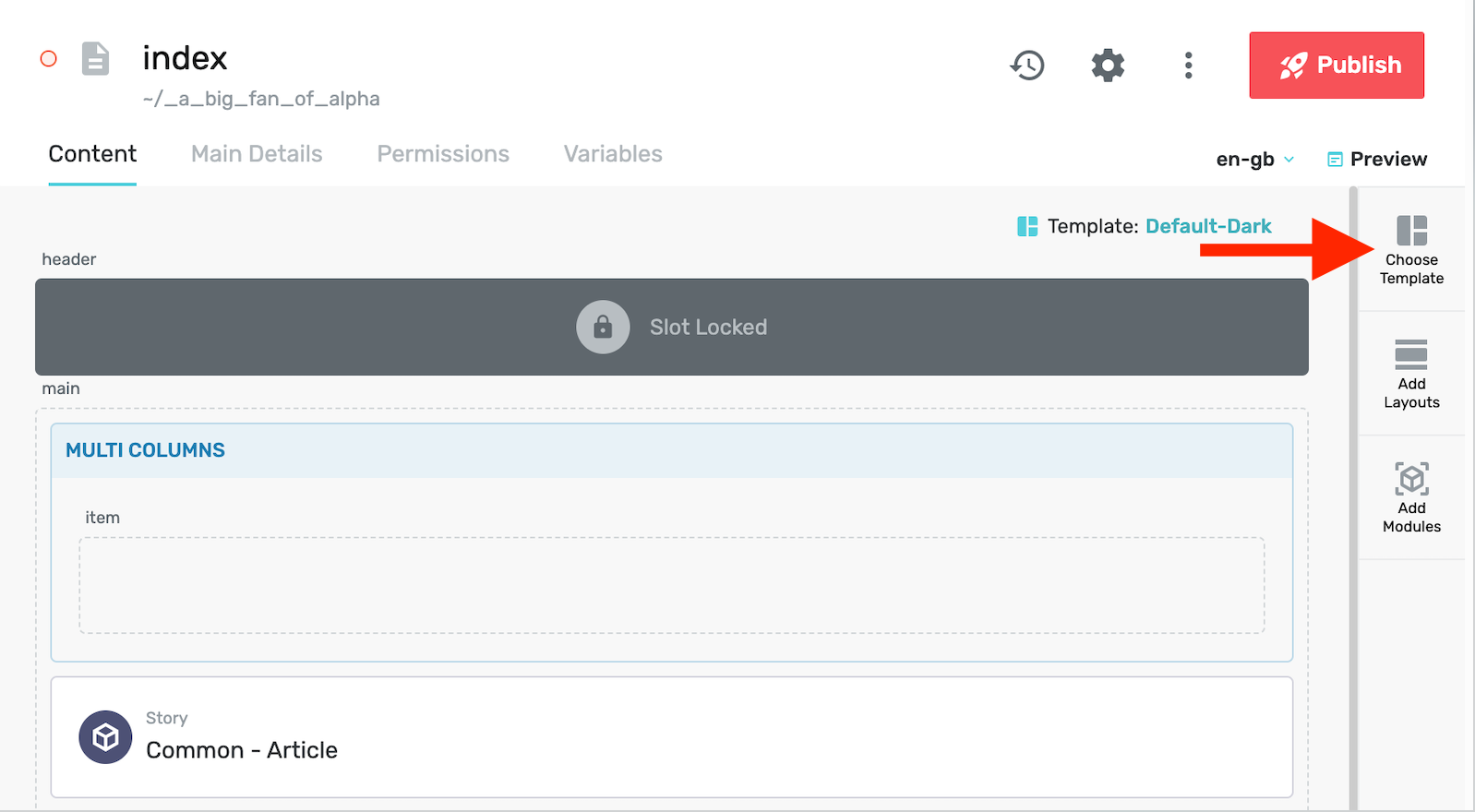
- Click the Choose Template button to the page's template.
- Click the Choose Layout button to the page's template.
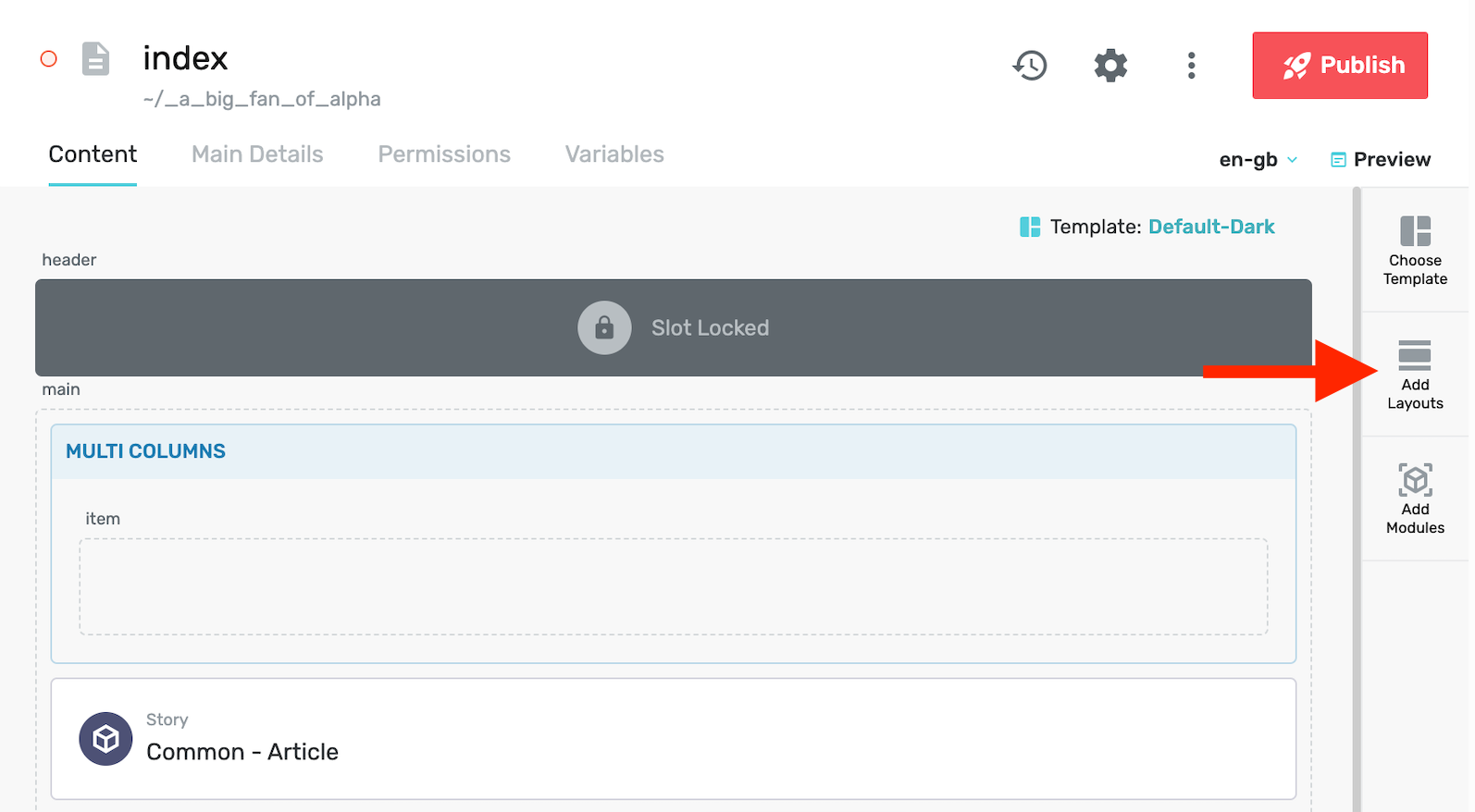
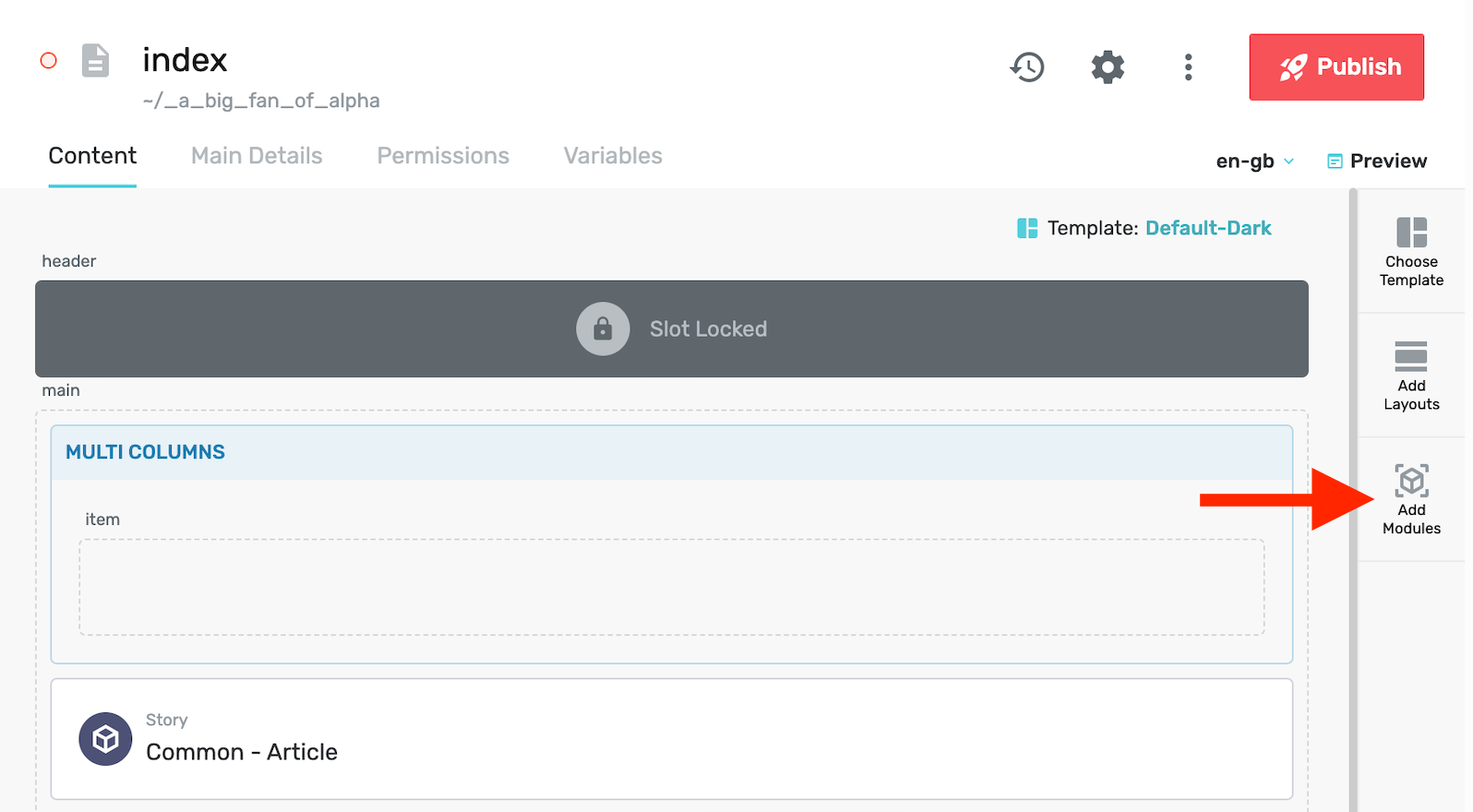
- Click the Choose Module button to the page's template.